
You can cancel your Support Toolbox subscription from the billing page linked in the app’s Settings.
Cancel your subscription
- Open Settings in Support Toolbox.
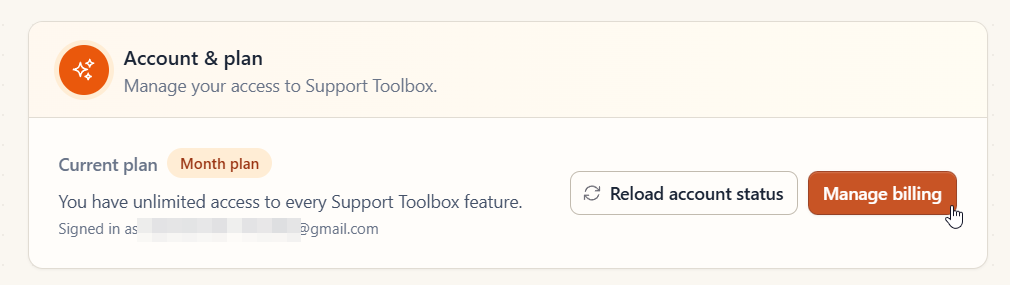
- Find the Account & plan section.
- Click Manage billing.
- Follow the instructions on the billing page to cancel your subscription.
After canceling, you’ll keep full access to all Support Toolbox features for the entire period already covered by your subscription. Canceling stops future renewals; it doesn’t end your access immediately.
Still need help?
Contact us and tell us what you were trying to do and where you got stuck.
Contact support