
You can change the keyboard shortcut that opens the Quick Search window from anywhere on your computer.
Change the keyboard shortcut
- Open Settings in Support Toolbox.
- Find the Quick Search section.
- Select the Keyboard Shortcut field, then press the key combination you want to use.
- Click Save Changes.
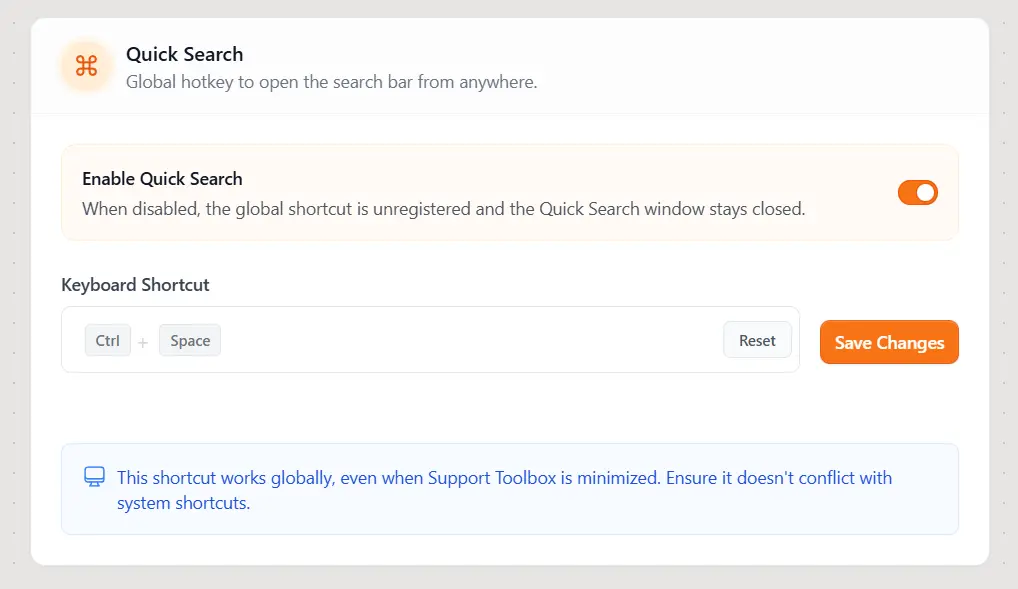
The new shortcut works globally, even when Support Toolbox is minimized.
Choose a shortcut that does not conflict with a system shortcut or a shortcut used by another app. To restore the default shortcut, click Reset, then click Save Changes.
Still need help?
Contact us and tell us what you were trying to do and where you got stuck.
Contact support