
You can simplify the Support Toolbox sidebar by hiding buttons you do not use regularly.
Choose your sidebar items
- Open Settings in Support Toolbox.
- Find the Sidebar items section.
- Turn off the items you do not want to display in the sidebar. You can show or hide Links, Discounts, Responses, Screenshots, and Reminders individually.
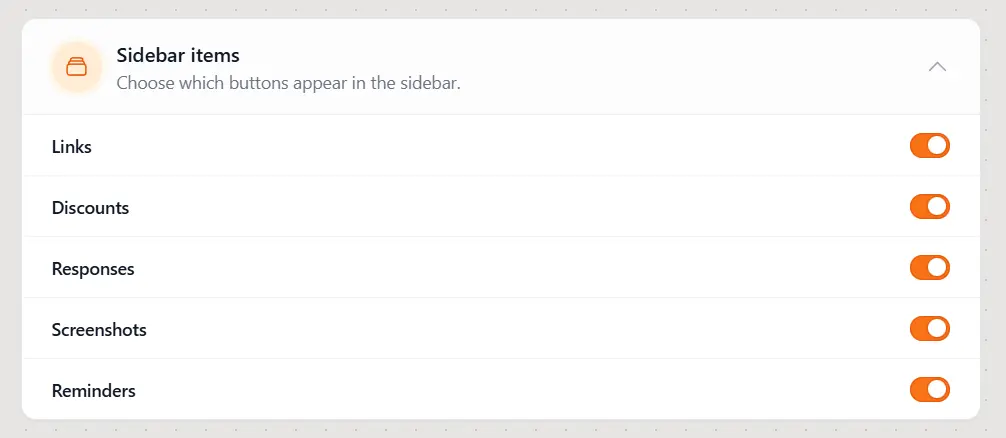
Your changes are reflected in the sidebar immediately. You can return to Settings and turn an item on again whenever you want its shortcut to reappear.
Turning off a sidebar item only hides its shortcut. It does not disable the feature or remove any saved content. For example, you can still create a new link even when Links is hidden from the sidebar.
Still need help?
Contact us and tell us what you were trying to do and where you got stuck.
Contact support