
You can disable the dedicated Quick Search window if you prefer to search from within the main Support Toolbox app.
Disable the Quick Search window
- Open Settings in Support Toolbox.
- Find the Quick Search section.
- Turn off Enable Quick Search.
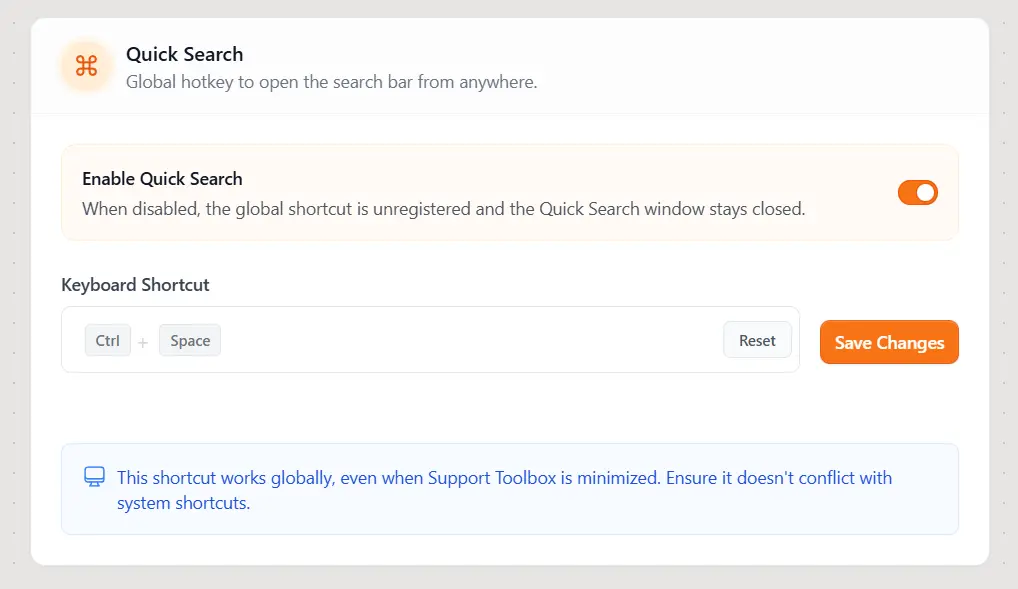
The Quick Search window stays closed, and its system-wide keyboard shortcut is unregistered. You can return to Settings and turn Enable Quick Search on again at any time.
Still need help?
Contact us and tell us what you were trying to do and where you got stuck.
Contact support